The Verity horror mod turns a friendly-looking Minecraft companion into a tense, reactive experience. This guide explains the AI conversation layer, the animated Box, darkness, scripted events and the hostile Verity Demon without mixing the licensed Java project with Bedrock add-ons or fan remakes.
Project and version facts checked against Modrinth on August 23, 2026.
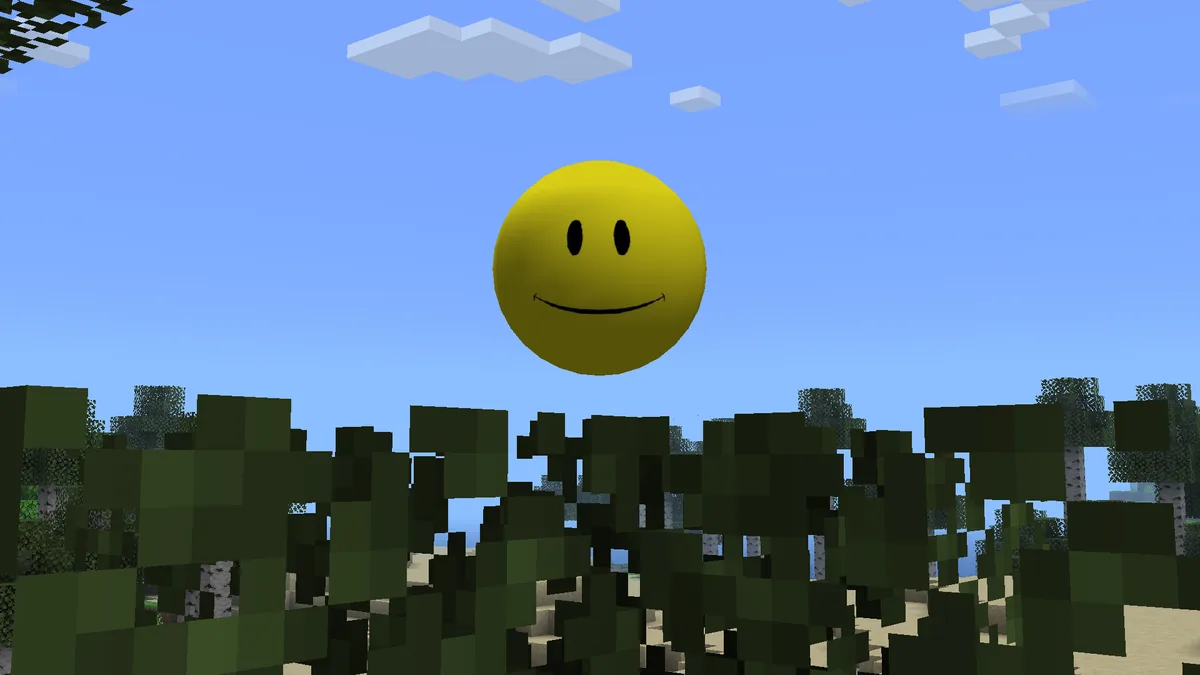
Official Verity JE project media from Modrinth; the visual identity is not proof that every similarly named download is the same project.
Quick answer
A friendly AI companion with a deliberate horror turn
The current Verity JE Java project combines an AI-backed companion with Minecraft assets and events that make the world feel less predictable. Players can meet Verity through an animated Box, ask typed questions and then encounter darker environmental changes or a hostile Verity Demon. The horror effect comes from the contrast between a helpful face and a system that can become unsettling.
Do not treat a video, Bedrock add-on or Verity.exe remake as automatic evidence for the Java mod. The name is shared across several projects. For the current Java boundary, Modrinth lists Verity JE v6.0.0-beta.7 for Minecraft 1.20.1 with Forge; this explainer covers the experience and sends download intent to the existing Java page.
Primary topic
Verity horror mod
AI paths
Groq or Ollama
Current Java
v6.0.0-beta.7
Game boundary
Minecraft 1.20.1 Forge
Signature encounter
Verity Demon
Download intent
Use the Java page
What the Verity horror mod actually adds
The horror is a layered Minecraft experience, not only a scary texture or a chatbot window.
At the Minecraft layer, Verity is represented through an identifiable yellow companion, an animated Box, models, sounds and event logic. The current Java project describes extreme darkness, atmospheric changes, scripted events and unique encounters alongside the companion. Those assets and mechanics come from the mod and its project dependencies; the language model does not generate a new Minecraft entity every time it answers a prompt.
At the presentation layer, the mod uses uncertainty. A player may begin with an apparently helpful companion, learn to rely on its answers and then notice that the world, lighting or encounters no longer feel ordinary. That pacing is why the phrase “Verity horror mod” is more useful than a generic “AI Minecraft mod” label. It describes the intended shift from companionship to suspicion, while leaving room for version-specific behavior.
Search results also contain clips from other projects. A Bedrock add-on may use behavior and resource packs, and a remake may reproduce a demon or a house without sharing Verity JE code. Before treating a feature as confirmed, compare the project name, edition, maintainer and release record.
Companion identity and animation belong to the Minecraft project
Darkness and scripted events create the horror pacing
The AI service changes conversation, not the ownership of the assets
Bedrock add-ons and remakes need their own evidence
Edited videos can show a scene without proving a universal trigger
Does the Verity horror mod use AI?
Yes for the current Java conversation path, but AI is only one part of the experience.
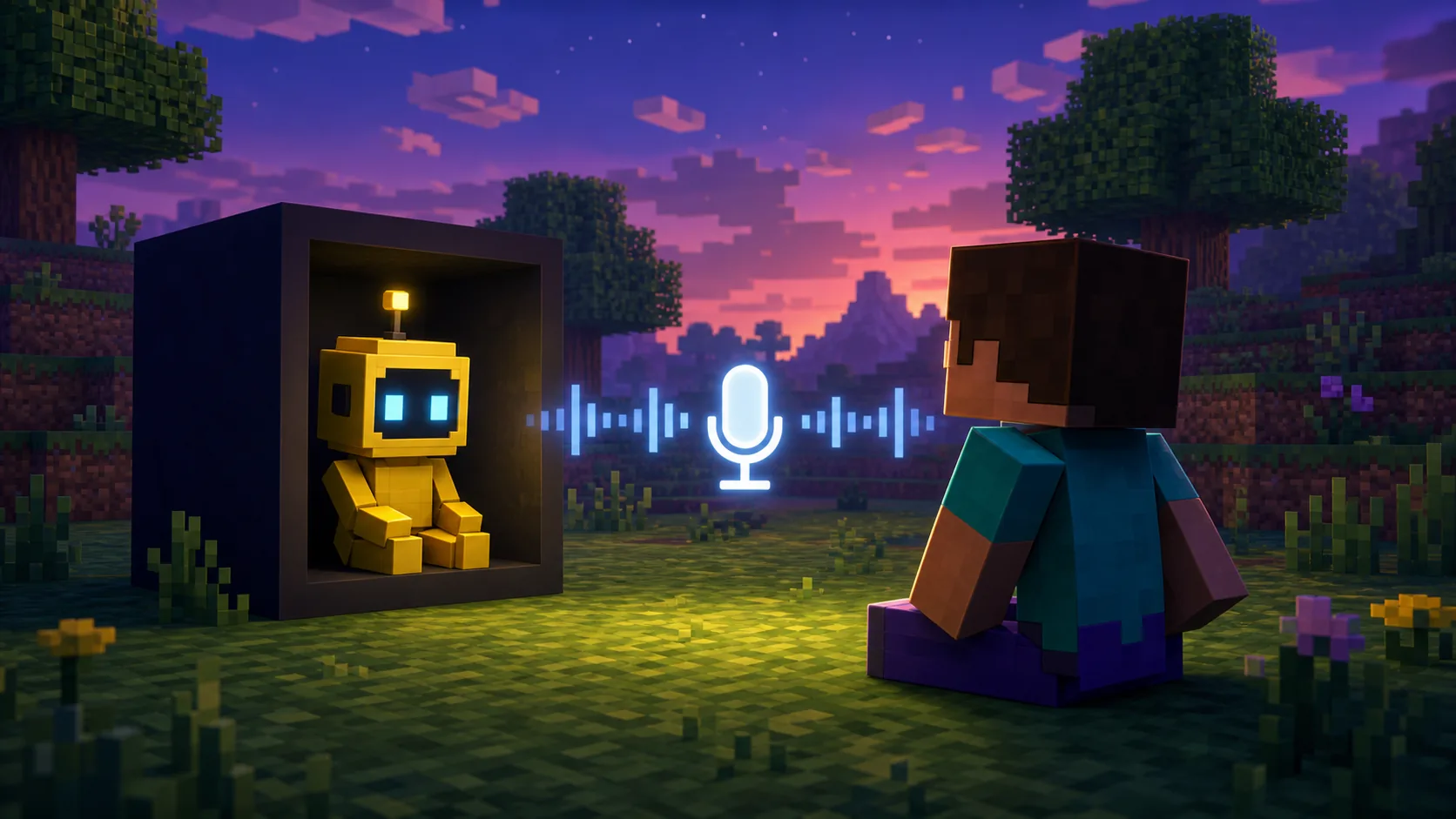
The current Verity JE documentation describes an online Groq path and a local Ollama path. In both cases, Minecraft supplies the prompt context and the configured service generates a language response. The exact answer quality, delay, privacy boundary and hardware cost depend on the selected provider and model. A typed prompt is therefore the cleanest first test: it checks the AI connection without mixing in microphone permission or speech output.
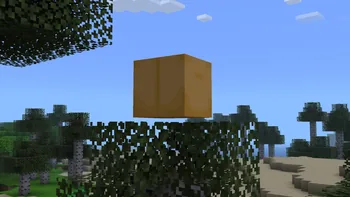
The Box is the visual hand-off between the ordinary world and the companion. Official project media presents it as an animated object that houses or introduces Verity. That does not mean the Box is a universal block in every fan remake, nor does it mean the AI service creates the animation in real time. Treat the Box, models and event scripts as project assets, then test the configured AI path separately.
Privacy follows the provider path. Groq requests may leave the computer for an online service, while Ollama can keep model processing local when configured that way. Do not paste API keys into screenshots, public modpacks or shared logs, and do not assume a multiplayer server automatically owns every player's voice or prompt data.
Layer
What it does
What to verify
Minecraft mod
Loads entities, assets, animation and events
Edition, Forge profile and release files
AI provider
Generates conversation responses
Groq or Ollama endpoint and credentials
Voice path
Adds microphone, speech recognition or TTS
Permissions, device and tested language
Horror presentation
Controls atmosphere, pacing and encounters
Project version and actual gameplay evidence
Official Verity project media used to explain the Box as a companion entry point, not as a universal screenshot for every remake.
How the Box, darkness and demon change play
The most memorable Verity moments come from a change in expectations rather than one isolated monster model.
The Box establishes a recognizable origin for Verity. Once the player associates the object with help, conversation and curiosity, a darker event has more impact. Lighting changes, unusual sounds and scripted encounters can make a familiar survival routine feel staged or watched. These details are the horror layer around the companion; they are not a promise that every installation will reproduce a video frame for frame.
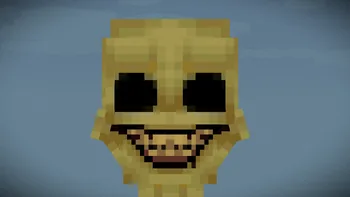
The Verity Demon is the clearest hostile symbol in the current Java project description and official gallery. It represents the point where the companion's identity and the player's assumptions collide. However, the public release record does not provide a universal timestamp or one guaranteed command that makes Verity become a demon. A video may use a particular world state, configuration, update or edited sequence.
If a player is trying to reproduce a scene, record the Minecraft version, Forge profile, Verity release, world seed or save state, AI provider and any relevant configuration. Repeating those inputs is more useful than copying a dramatic claim such as “the demon always appears after a fixed number of nights.”
The Box builds recognition before the tone changes
Darkness and atmosphere make ordinary spaces feel unreliable
The demon is a hostile encounter, not a replacement for the AI service
World state and release details matter when reproducing a scene
Do not infer a fixed trigger from an edited or private gameplay video
Official Verity project media for the hostile demon concept; the exact trigger remains version and world dependent unless the maintainer documents it.
Java, Bedrock and remake boundaries
For the maintained Java path, Modrinth currently lists Verity JE v6.0.0-beta.7, published August 19, 2026, for Minecraft 1.20.1 with Forge. The project also lists GeckoLib as a required dependency project. This is the boundary to use when a searcher asks which Minecraft mod contains the horror entity Verity: answer with the named project and edition instead of treating every result as one universal package.
Bedrock projects are not converted Java files. They may use .mcaddon or .mcpack packages, behavior packs, resource packs, scripts, experiments or a separate backend. Verity.exe remakes and modpacks have their own authors, files and update histories as well. Shared art or the word “official” in a video title cannot merge those implementations.
This page explains what the horror experience means; it is not a second download page. Use the Java guide for the verified file and Forge requirements, the Bedrock guide for a selected community add-on, and the authenticity page when a source claims to be the original or official project.
Search result
Correct interpretation
Next page
Verity JE horror mod
Maintained Java project with Forge boundary
Java details
Verity Bedrock horror add-on
Separate community implementation
Bedrock projects
Verity.exe or remastered pack
Another recreation with its own files
Identity checks
Verity modpack
Bundle whose manifest controls the contents
Modpack guide
What to check before installing the horror mod
A controlled first run makes it easier to tell a horror event from a broken setup.
Start with a clean Minecraft Java 1.20.1 Forge profile and a disposable test world. Confirm the current project page, version number, primary filename and required dependency metadata before copying anything into a long-running save. The release facts on this page were checked on August 23, 2026; the publication date of v6.0.0-beta.7 is August 19, 2026, so the check date and release date should not be confused.
Then test the layers in order. Launch Minecraft, verify that the Box and companion assets load, send one short typed prompt, and only after that investigate microphone or speech output. If the world crashes, the problem is not a demon trigger. If typed chat times out, changing the lighting or reinstalling a voice device will not repair the provider path.
1
Verify the project
Match Verity JE, the maintained Modrinth record, Minecraft 1.20.1 and Forge before downloading.
2
Protect the test world
Use a new profile or copied save and keep the last known-good files outside the active mods folder.
3
Load the visual layer
Confirm the companion, Box, models and event assets appear before judging the horror behavior.
4
Test typed AI
Use Groq or Ollama with a short prompt and keep credentials out of logs and screenshots.
5
Add voice last
Check microphone permissions, the input device and English voice limitations only after text works.
Voice is a separate test layer: confirm typed conversation before diagnosing microphone or speech output.
What videos show versus what the mod proves
Videos are useful for understanding the mood, but they compress several kinds of evidence into one dramatic sequence. A creator may be showing the licensed Java project, a Bedrock add-on, a private build, a modpack, an edited recording or a deliberately staged horror story. The scene can be real for that creator without being a guaranteed feature of every Verity download.
Use the maintained project record for claims about files, loaders, dependencies and release dates. Use official gallery media to identify the Box or Demon concept, and use a reproducible configuration when investigating a trigger. If a page promises a fixed demon event but cannot name the project, edition or version, classify it as entertainment until the technical boundary is clear.
This evidence-first approach keeps the horror enjoyable without turning uncertainty into a safety or compatibility promise. It also gives the site a clean role: explain the searcher's intent here, then send them to the page that owns the next concrete action.
Verity horror mod FAQ
Is Verity a horror mod?
The current Java project is designed as an AI companion experience with darkness, scripted events, atmospheric changes and a hostile Verity Demon. Bedrock add-ons and remakes may implement different features.
Does the Verity horror mod use AI?
Yes. Verity JE describes Groq as an online AI path and Ollama as a local path for conversation. AI answers are separate from the mod assets, animation and horror event logic.
When does Verity become a demon?
The public release record identifies the Verity Demon but does not promise one universal timestamp or trigger. World state, configuration, release and edited video context can change what a player sees.
Which Minecraft mod is the horror entity Verity in?
The maintained Java reference is Verity JE for Minecraft 1.20.1 with Forge. Community Bedrock projects, modpacks and Verity.exe remakes are separate implementations and must be checked independently.
Is the Box part of the real Verity mod?
The current Verity JE project presents the animated Box as part of the companion experience. Similar-looking boxes in other videos may belong to a remake or a different edition.
How do I download the Verity horror mod?
Use the existing Java download page and its verified Modrinth release record. This explainer does not create a second download CTA or treat a video description as a source.
Verity horror mod sources
These sources separate current Java feature claims, release facts, creator context and the original horror concept.
Verity JE on ModrinthCurrent Java feature description, project media, attribution and installation context.
Verity JE version APIChecked v6.0.0-beta.7 release, Minecraft 1.20.1, Forge, file and dependency metadata.
ThatMobbb/VerityCraftMaintainer-controlled repository context for the licensed Java adaptation.
ThatMob YouTube channelOriginal creator channel used for story and concept context, not as a file mirror.