Verity Mod for Minecraft Education: Is It Supported?
Education Edition support is not confirmed by the project record checked for this guide. The reviewed Modrinth record identifies Verity JE as a Minecraft Java Edition mod and lists Minecraft 1.20.1. It does not document an Education release or an Education installation path.
Project metadata checked on November 5, 2026.
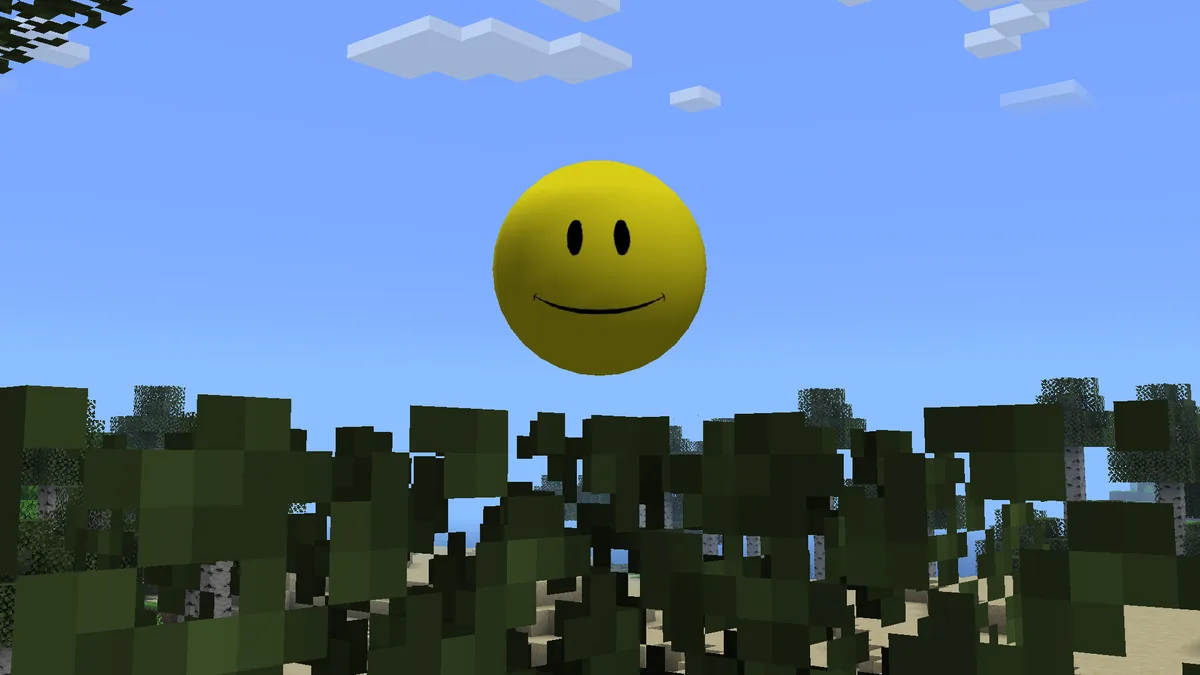
Verity project media from Modrinth. This is not a Minecraft Education screenshot or proof of Education compatibility.
Short answer
Treat Education compatibility as unconfirmed
The checked Verity JE project record names Minecraft Java Edition and version 1.20.1; it does not identify Minecraft Education as a supported product. That is not enough evidence to recommend importing the Java mod into a school copy of Minecraft Education.
This is a statement about the evidence reviewed, not proof that no community experiment exists. Verity Mod for Minecraft Education compatibility remains unconfirmed until a publisher-controlled page names the product, gives a reproducible installation path, and identifies the exact release. A video, matching name, or Bedrock download alone does not establish support.
Checked project
Verity JE, Modrinth project on1Y0osD
Edition named in record
Minecraft Java Edition
Game version listed
1.20.1
Client and server fields
Both marked required
Education release
Not confirmed in the reviewed record
Evidence date
November 5, 2026
Verity Mod for Minecraft Education: what the project record says
The Modrinth project API record reviewed for this page identifies the project as Verity JE, with project ID on1Y0osD and project type mod. Its complete returned fields list Minecraft 1.20.1, mark both client and server sides as required, and include a description that explicitly says Minecraft Java Edition. These details establish the scope of that project record; they do not establish that the same files run in another Minecraft product.
The reviewed fields do not name Minecraft Education or an Education package. The response was bounded, so this page makes no claim about a latest release, file size, or security scan. Recheck a future maintainer statement against a specific file before installing it.
Verity project media, not an Education import screen. A familiar image does not identify a compatible package.
Java, Bedrock, and Education are separate compatibility checks
A project name can appear in several editions without making the files interchangeable. Check the product and package named by the publisher, not just the word Verity.
A Java mod is built for Java Edition and may depend on a loader, game version, libraries, and client or server setup. A Bedrock add-on follows a different package and installation path. Minecraft Education has its own product, account permissions, and supported classroom workflows. Some tools or content may overlap across products, but the overlap must be documented for the exact release.
The table is a reading checklist, not a universal file-extension rule. A suffix alone does not prove the publisher's intended product or import workflow.
What you have
Evidence to find
What it does not prove
Java Edition project
Java Edition named by the maintainer; matching game version and required loader or dependencies
That its Java file can run in Education
Bedrock add-on project
The specific Bedrock project, supported game build, package pair, and maintainer setup notes
That the project is approved or supported in Education
Minecraft Education copy
An Education-specific release statement, supported import steps, and school account approval
That a Java or Bedrock download is suitable by default
How to verify a Verity Education release before installing
Use a short evidence check before downloading or importing anything. If a step cannot be completed from the project maintainer or the school administrator, stop at that gap instead of filling it with a tutorial from an unrelated edition.
1
Open the maintained project page
Start from the publisher's project page or a release page linked by that publisher. Record the author, project identity, and date you checked it. Search-result titles and reposts can combine several unrelated projects.
2
Look for Education by name
The release notes should explicitly name Minecraft Education or clearly identify the Education app build it targets. Java, Bedrock, mobile, or Windows wording alone is not Education support.
3
Match the exact package and steps
Compare the downloaded filename and package type with the maintainer's Education instructions. The guide should explain where to import it in the Education product and what success looks like. Renaming a file does not convert its code or dependencies.
4
Check version and device conditions
Confirm the target Education app version, account type, operating system, and any documented permissions. Do not infer current support from a tutorial recorded for an older build or another platform.
5
Get school approval first
On a school-managed device, ask the teacher or IT administrator whether the source, account, installation method, and network access are allowed. Test only in an approved copy or disposable world, with a backup.
Why a school-managed device adds another gate
Technical compatibility is only one part of a classroom setup. A school may manage app installation, student sign-in, network access, and imported content. Account policy can block an otherwise valid file. An import button does not prove that a project is compatible or approved.
Do not ask a student to bypass device controls, use another person's account, disable filtering, or install a sideloading utility. Those steps do not create publisher support and can violate school rules. Give the administrator the maintained project URL, file name, stated edition, requested permissions, and the task the class wants to perform. Ask for an approved alternative if any part cannot be reviewed.
Confirm who owns the device and the account used to launch Minecraft Education.
Ask whether external content import and the named publisher are permitted.
Check whether required network services, scripts, or permissions are allowed by policy.
Keep classroom worlds backed up and use a test copy before changing shared material.
How to read videos and search results without assuming support
A tutorial can show that one person launched something on one device on one date. It does not automatically identify the file, confirm the publisher, establish school approval, or guarantee that the same steps work for another account or app version. Read the description and linked project page. If the link points to a Bedrock add-on, an APK, a cloud service, or a Java mod, treat that as the project it names rather than relabeling it as an Education release.
Compare the demonstration with the maintainer's written steps. Look for a source URL, exact package, target version, and reproducible result. A video without those details is not enough evidence for a classroom installation recommendation.
Verity project media. This character image is not a Minecraft Education gameplay capture or an installation result.
What evidence would change the compatibility answer?
A stronger answer needs a maintainer statement for a specific Education release, package, app version, approved import path, and any account or device requirements. A test should match those details.
A community fork could be a separate project with its own publisher and support boundary. If one appears, evaluate that project's page independently: verify who maintains it, what files it distributes, which versions it targets, what permissions it needs, and whether its instructions are reproducible. Do not transfer authorship or compatibility claims from Verity JE to a similarly named add-on.
Until such evidence is available, the useful answer remains limited: the checked Verity JE record is for Minecraft Java Edition, and Education support is not confirmed there. That wording leaves room for a properly documented future release without turning an unverified possibility into a recommendation.
A practical next step for each reader
Students can ask a teacher or IT contact to review the source, package, permissions, and install method. Teachers should request a test plan; home users should follow product guidance and back up a test world. Keep the source URL and check date. For Verity Mod for Minecraft Education, this ties the decision to evidence rather than a search-result label.
No Education statement or instructions: compatibility remains unconfirmed.
A different edition is named: use that edition's page and do not rename its package.
A documented Education release appears: verify the exact file and obtain school approval before testing.
Verity Mod and Minecraft Education FAQ
Is Verity Mod supported in Minecraft Education?
The reviewed Verity JE record identifies a Java Edition project and lists Minecraft 1.20.1; it does not confirm Education support. Look for a separate maintainer statement and reproducible Education instructions.
Can I install the Verity JE Java file in Minecraft Education?
Do not assume so. The record identifies a Java Edition mod and gives no Education path. Renaming a Java file does not convert it into an Education package.
Does a Verity Bedrock add-on automatically work in Minecraft Education?
A Bedrock listing does not establish Education compatibility. Check the add-on maintainer's Education statement, import steps, and target app version.
Does a video prove that Verity works in Education?
No. Check the linked source, exact package, Education-specific steps, and whether the device and account match your situation.
What should a student do on a school tablet?
Ask a teacher or IT administrator to review the source, package, permissions, and install method. Do not bypass device controls.
What information is confirmed about Verity JE?
The checked Modrinth record identifies Verity JE (on1Y0osD) as a Java Edition mod and lists Minecraft 1.20.1. Client and server are both marked required; Education support is not confirmed.
Project and product sources
These references support the edition boundary and describe where to verify a future release. The checked project metadata is a dated snapshot, not a claim that the same release remains current.