Use this download guide to choose the right edition, read the published version facts and open a maintained project source. The Java JAR and Bedrock add-ons are separate projects and should not be treated as interchangeable files.
Source snapshot checked September 19, 2026; live Modrinth refresh was unavailable on October 9, 2026.
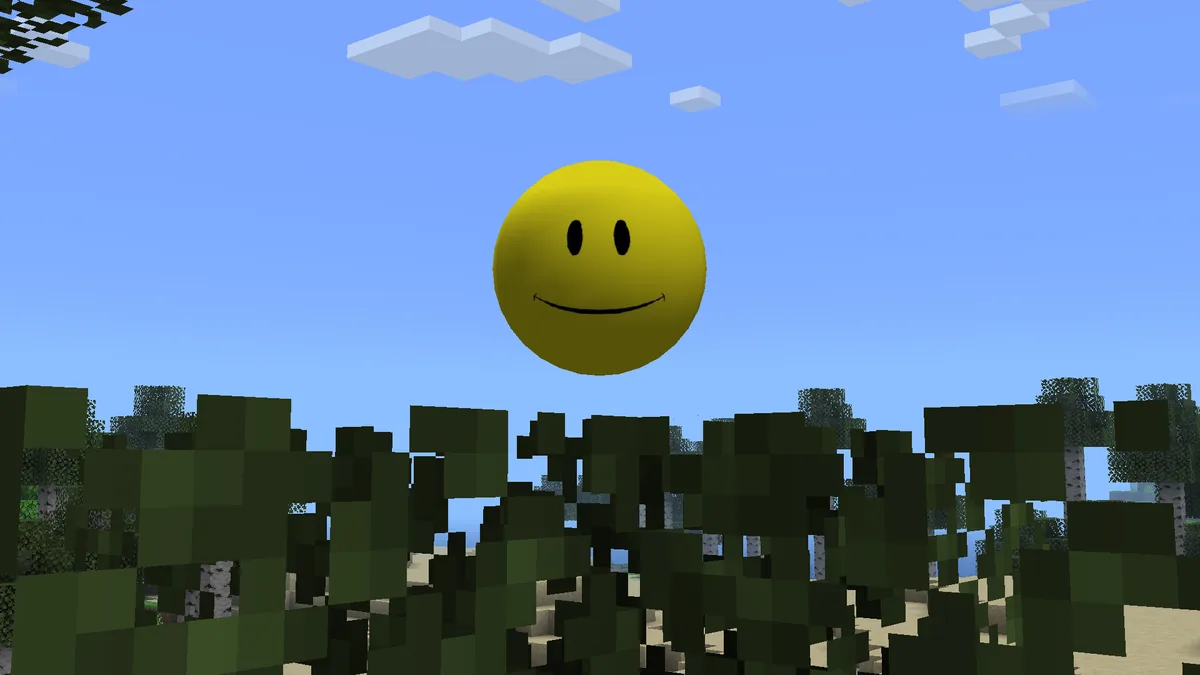
Existing Verity project media is used for identification; it is not a screenshot of a particular release file.
Quick answer
Choose the edition before you click a download
To download Verity Mod, first decide whether you play Minecraft Java Edition or Bedrock Edition. Java players should open the Verity JE project on Modrinth and match Minecraft 1.20.1, Forge, the listed release file and its GeckoLib project dependency. Bedrock players should open the exact community add-on listing and check its pack files, supported game version and installation notes.
This page does not repackage or host a mod file. The Java button below opens the verified CDN file recorded in the site's September 19, 2026 source snapshot. Because a live API refresh could not be completed on October 9, 2026, treat the displayed release as a checked snapshot rather than an unsupported claim about the newest release.
If you are unsure which file belongs to you, use the Java and Bedrock pages before downloading. They explain the loader boundary, dependencies, pack format, source identity and the checks to perform in a copied test world.
A download is only one part of a working installation. Keep the Minecraft version, loader, dependency record and project source together so that a crash, missing entity or failed AI connection can be traced to one change at a time.
Primary intent
Download and verify
Java snapshot
v6.0.0-beta.9
Java target
Minecraft 1.20.1
Java loader
Forge
Bedrock route
Community packs
Checked record
September 19, 2026
Verified Java file from the checked snapshot
Open Verity JE v6.0.0-beta.9
The recorded primary file is verity-6.0.0-beta.9.jar for Minecraft 1.20.1 with Forge. The CDN URL comes from the site's checked Modrinth version record; review the Java page if you need the full hash and dependency notes.
15-second delay · external Modrinth CDN · check the Java requirements first
How to download Verity Mod without mixing editions
The correct download depends on the Minecraft edition and the project that publishes the file.
Java Edition uses a Forge JAR. The checked Verity JE record names Minecraft 1.20.1, Forge and a required GeckoLib project dependency. A Java JAR belongs in the mods folder of a matching Forge profile; changing the filename or extension cannot turn it into a Bedrock pack.
Java Edition: open the Verity JE Modrinth project and use a matching Forge profile
Bedrock Edition: open the exact community add-on listing and read its pack requirements
Record author, supported version, file type and source before downloading
Do not rename a Java .jar file to .mcaddon or import it as a Bedrock pack
Keep a copy of the world before testing any new project
Project artwork helps identify the subject, but the source listing and file facts decide which download is compatible.
Download Verity Mod Java from the checked project record
Use the Java page and Modrinth record as one chain of evidence.
The checked Java snapshot lists Verity JE v6.0.0-beta.9 for Minecraft 1.20.1 and Forge. Its primary file is verity-6.0.0-beta.9.jar, listed at 257,904,342 bytes with SHA-1 03b2f180c35ae52027e599ac9aecd30035b6e0b9 in the source record. The hash identifies the published bytes; it is not a universal safety guarantee.
1
Open the source
Use the Modrinth project or the checked CDN button; avoid renamed bundles and unrelated launchers.
2
Match the profile
Select Minecraft Java Edition 1.20.1 with a compatible Forge installation.
3
Check the dependency
Read the current GeckoLib project record and install the dependency required by the same release.
4
Test a copy
Place the JAR in a clean profile, open a copied world and confirm the mod loads before using an important save.
Find the right Verity Mod Bedrock download
Bedrock sources are community projects with their own files and instructions.
There is no Java JAR download that can be imported into Bedrock. Bedrock projects normally publish one or more resource and behavior packs, and the exact file names vary by project. Use the Bedrock page's source list to compare the creator, supported Minecraft version, update date and required packs before importing anything.
Confirm the creator and project name on the maintained listing
Match the supported Bedrock version to the game installed on your device
Import every required behavior and resource pack from the same release
Enable only the experiments or scripts named by that project
Back up the world before updating or removing an add-on
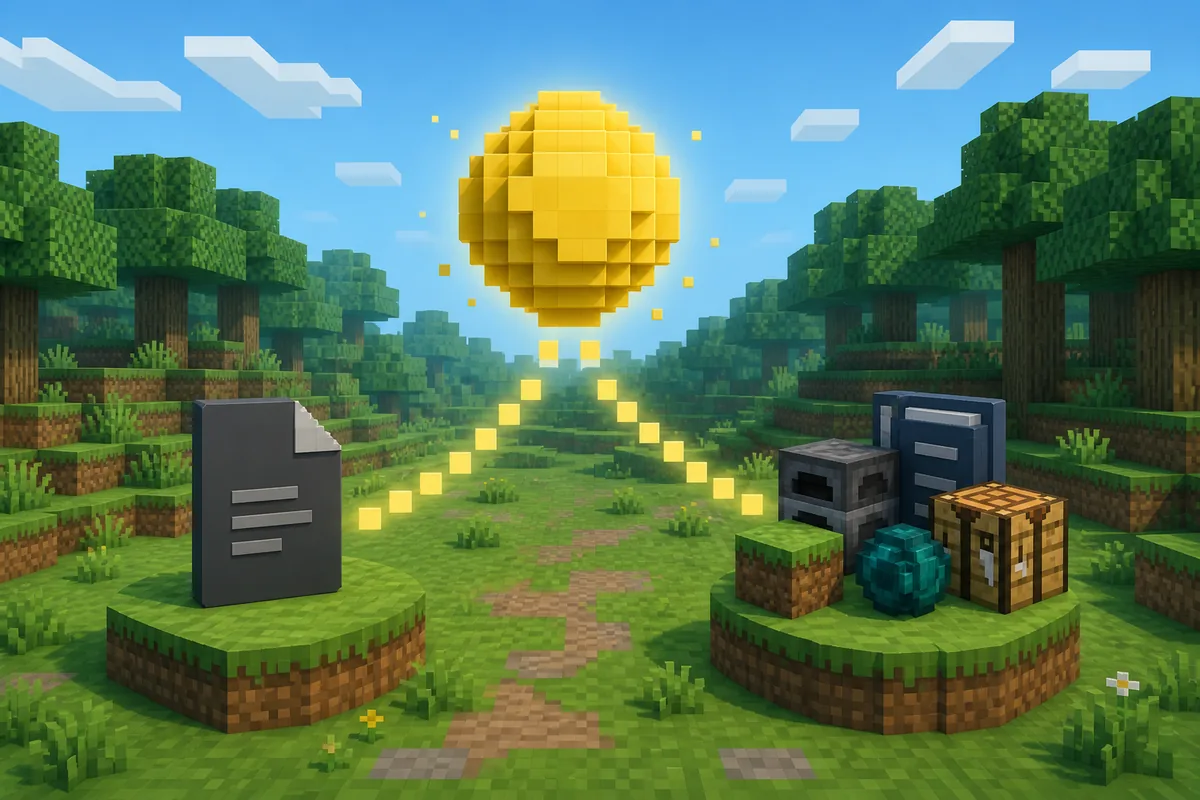
The edition boundary is a source and file-format decision, not a visual similarity test.
Verify the file before you install it
A few repeatable checks catch most wrong-version and incomplete-download problems.
Compare the file name, byte size, release label and host with the project record you opened. For the checked Java snapshot, the recorded name is verity-6.0.0-beta.9.jar and the host is Modrinth's CDN. If a download has a different extension, a much smaller size or an unexpected installer, stop and return to the project page.
Check
What to compare
Why it matters
Project identity
Creator, project slug and source URL
Separates Verity JE from community remakes
Platform
Java Forge JAR or Bedrock pack files
Prevents an unusable cross-edition install
Version
Minecraft version and release label
Flags a loader or game mismatch
File facts
Name, size, host and published hash
Catches renamed, incomplete or different files
Privacy path
Groq, Ollama or add-on backend notes
Keeps AI and network risks visible before use
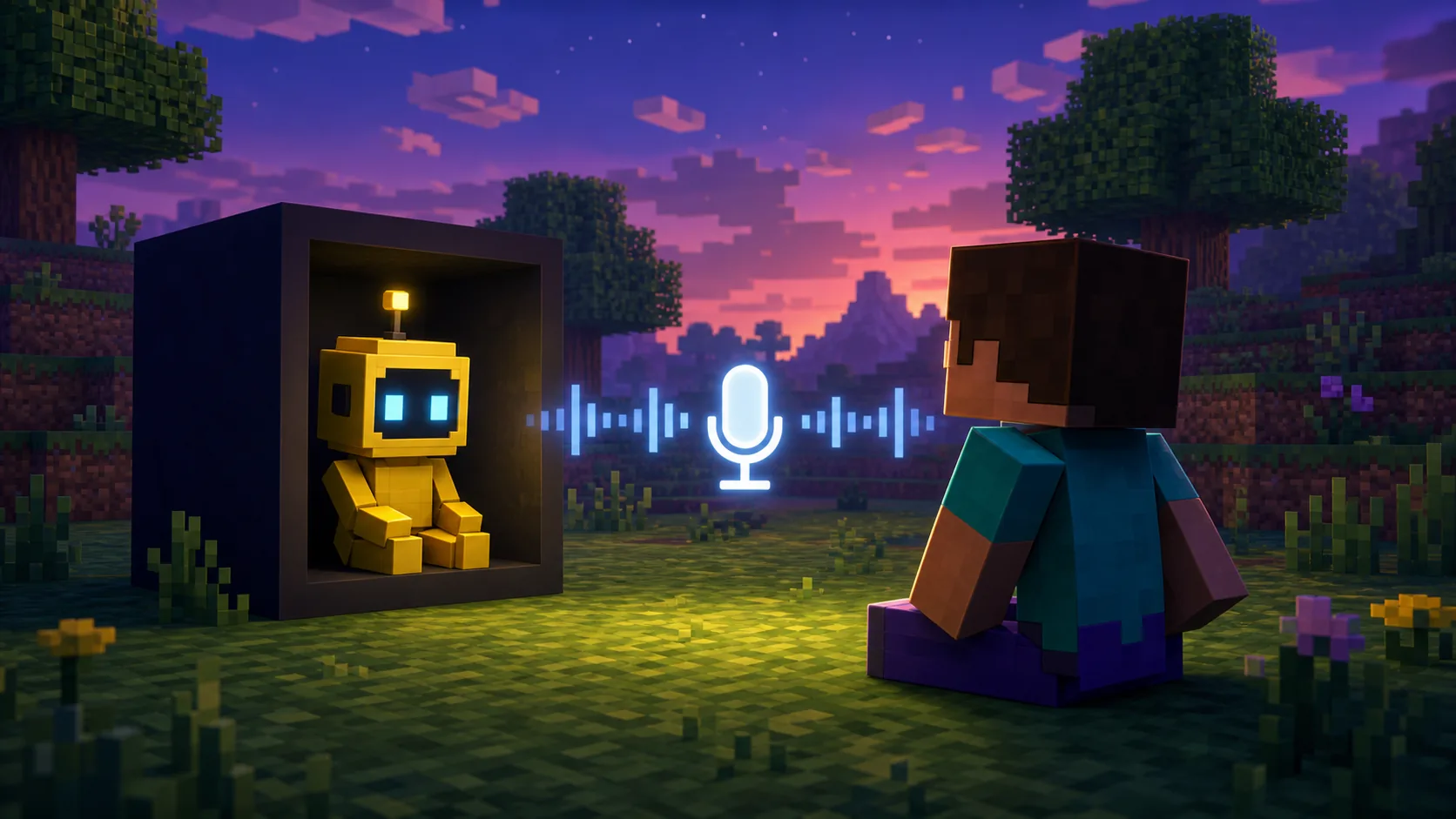
Voice and AI features are a separate configuration layer after the file and platform have been verified.
What to do after the Verity Mod download
Install in a clean profile first. For Java, choose the matching Forge loader, add the required project dependency and place the JAR in the profile's mods folder. For Bedrock, import the packs from one release, activate them in a disposable world and enable only the settings named by the listing.
1
Create a clean test environment
Use a new Java profile or a copied Bedrock world before touching a valued save.
2
Install the platform files
Use Forge and the listed JAR dependency on Java, or the matching behavior and resource packs on Bedrock.
3
Test the core feature
Check spawn, textures, sounds and a short typed interaction before microphone or API testing.
4
Add AI deliberately
Choose Groq or Ollama, keep credentials private and change one connection setting at a time.
5
Keep a rollback
Save the working file record and world backup until the next release has been tested.
Common download mistakes and recovery steps
The most common error is choosing a file from the right-looking page but the wrong platform. A Java crash after a Bedrock import attempt, a pack that never spawns its entity or a loader error often begins with that first mismatch. Return to the edition page and verify the file type before changing settings.
Wrong edition or loader: stop and return to the Java or Bedrock source page
Missing dependency: compare the release's current project dependency record
Mismatched packs: import behavior and resource files from one Bedrock release
Stale file: compare source date, filename, size and hash before retrying
AI or voice failure: test typed chat and the base mod before changing permissions
How to keep a download source current
A checked snapshot is useful only when its date and limits stay visible.
The site's Java facts come from a Modrinth version record checked on September 19, 2026. A live refresh on October 9, 2026 could not complete through the local proxy, so this page does not label v6.0.0-beta.9 as the newest release. Open the Modrinth project before a future update and compare the new game version, loader, filename, size, hash and dependencies.
How to download Verity Mod FAQ
Where should I download Verity Mod Java?
Open the Verity JE project on Modrinth, match Minecraft 1.20.1 and Forge, and compare the filename and published file facts before opening the JAR.
Can I use the Java Verity JAR on Bedrock?
No. A Forge JAR is a Java file. Bedrock uses its own behavior and resource pack formats and must be installed from the exact community project listing.
What is the checked Java file on this page?
The repository snapshot checked September 19, 2026 records verity-6.0.0-beta.9.jar for Minecraft 1.20.1 Forge. The page does not claim that snapshot is the newest release after the failed October 9 refresh.
Does a matching SHA-1 prove a download is safe?
No. A matching SHA-1 confirms file identity against the published record. You still need to review the source, permissions, dependencies, external services and backup plan.
Why does the download button wait 15 seconds?
The site uses a visible countdown before opening an external project file. If JavaScript is unavailable, use the Modrinth project link and its documented download route.
What should I test after downloading?
Use a clean profile or copied world, confirm the platform files load, test a basic interaction, then configure Groq or Ollama and microphone access separately.
How do I choose between similar Bedrock listings?
Compare the creator, supported game version, pack names, update date, required experiments and backend notes on the exact maintained listing. Do not mix files from different projects.
Project and download sources
Use these links to verify the edition, release record and installation boundary before downloading.